Build a lead-capture funnel: landing page, form and the next step
How to build a tidy lead-capture funnel: one clear offer, a single-goal landing page, a short form and a workflow that runs the moment someone submits.
The NEXT OS teamNEXT GROUP
- Published
- Read
- 3 min
Contents
- What a lead-capture funnel is made of
- Step 1: Choose one clear offer
- Step 2: Build a single-goal landing page
- Step 3: A short form with a personal-data consent box
- Step 4: The thank-you page and the next step
- Step 5: A workflow that runs after each submission
- Measure the funnel with your own numbers
- Frequently asked questions
A lead-capture funnel doesn’t need many pages. It needs one clear offer, a landing page with a single goal, a short form and a workflow that runs the moment someone submits. The last part is the one most often forgotten: you get the phone number, but nobody calls back.
What a lead-capture funnel is made of
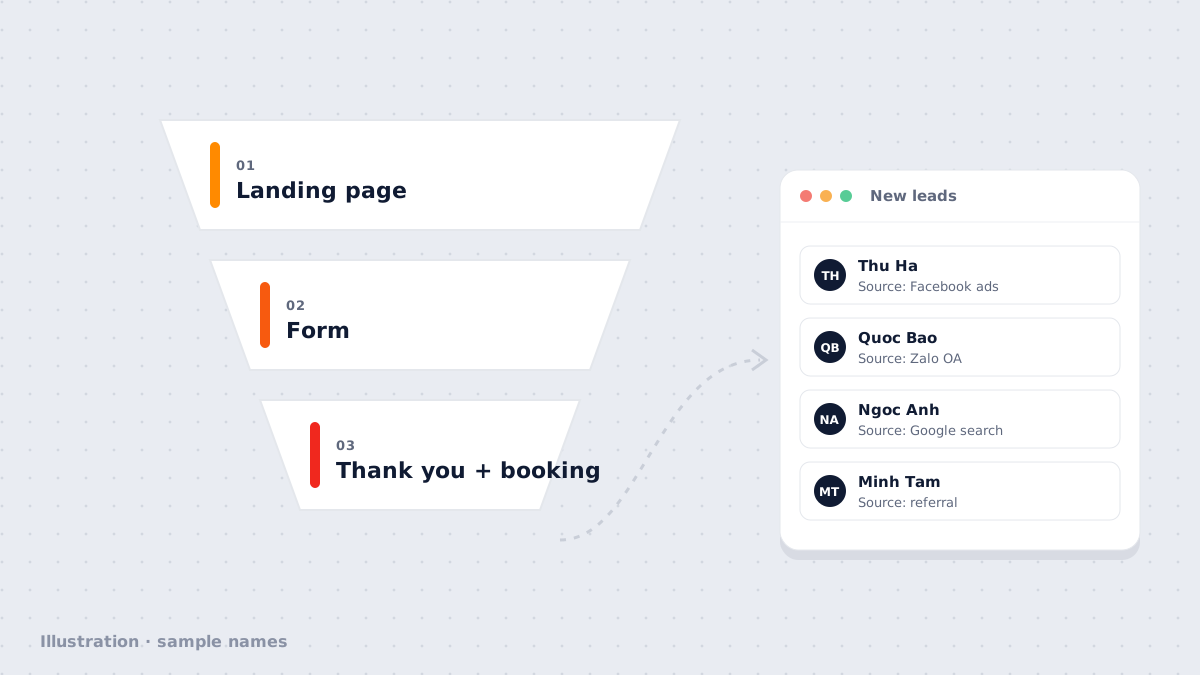
A minimal funnel has four parts, connected in the order the visitor moves through them:
| Part | Its job | Where it usually goes wrong |
|---|---|---|
| Offer | Give visitors a reason to share their details | Vague: “Contact us to learn more” |
| Landing page | Convince visitors to submit the form | Several goals, many different buttons |
| Form | Collect enough to follow up | Too many questions, no data consent box |
| Next step | Thank-you page, confirmation, a call-back | Missing, the lead is left waiting |
Step 1: Choose one clear offer
People only share their details when they see what they get in return. Choose one offer per funnel:
- A free consultation for services that need to understand the need before quoting.
- A useful resource: a detailed price list, a checklist, a how-to guide.
- Direct booking for appointment-based services: clinics, beauty, consulting.
- An offer with clear conditions for products the customer already knows.
Write the offer in the customer’s words: talk about the result they want, not your features.
Step 2: Build a single-goal landing page
A good landing page gives the visitor one thing to do: submit the form. Remove the navigation menu and links to other pages that aren’t needed. Order the sections like this:
- A headline that states the result, with a subline saying who it’s for.
- Three short benefits, one line each.
- Real proof if you have it: testimonials customers agreed to publish, real photos. If not, leave it out; never make it up.
- The form, placed early on mobile.
- A short FAQ covering the three most common concerns: price, time, commitment.
Step 3: A short form with a personal-data consent box
At first, three fields are enough: name, phone number (Zalo) and one question about their need. Every extra field is one more reason to abandon the form.
Add a consent box for personal-data processing with a link to your privacy policy, in line with Decree 13/2023/ND-CP. Keep the marketing-consent box separate and unticked by default.
Step 4: The thank-you page and the next step
The thank-you page isn’t only there to say thanks. Use it to move the lead to the next step while they’re still interested:
- A booking calendar so they can pick a consultation time.
- The download link for the resource you promised.
- One line saying when and through which channel your team will reach out.
Step 5: A workflow that runs after each submission
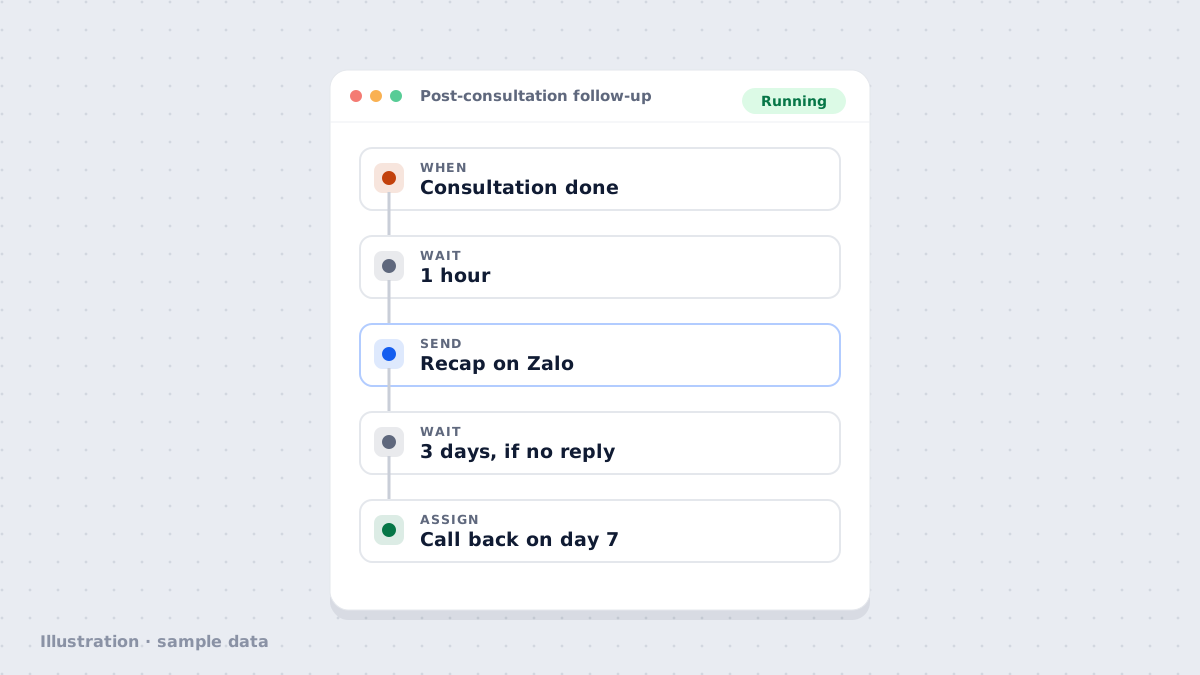
This is what turns a form into a customer. As soon as someone submits, the system should do the things people tend to forget:
Workflow · Landing page form submittedRunning
- WhenVisitor submits the "Request a consultation" form
- AssignCreate contact, tag campaign source, assign an owner
- SendConfirmation message + booking link
- Wait1 day, if no booking yet
- AssignRemind the owner to call back
Sample data
Measure the funnel with your own numbers
After a few weeks, look at three metrics on your own funnel: the share of page visitors who submit the form, the share of leads who book an appointment, and which source brings the most bookings. Change one thing at a time (headline, offer or number of form fields), then compare again.
Frequently asked questions
How many fields should the form have?
As few as possible at first: name, phone number (Zalo) and one question about their need. Ask for anything else later, on the call or in the consultation.
Do we need a personal-data consent box?
You should have one. Vietnam's Decree 13/2023/ND-CP on personal data protection requires the user's consent. Add a consent box linking to your privacy policy; keep marketing consent as a separate, unticked box.
Can one landing page serve several ad campaigns?
Yes, but tag each campaign as a source (for example with UTM parameters) so you know where leads come from. When a campaign targets a very different audience, a dedicated landing page is usually more convincing.
How soon should we contact a new lead?
As soon as possible, while they still remember why they filled in the form. Send an automatic confirmation right away and assign a call-back to the owner during working hours.
Author
The NEXT OS teamNEXT GROUP
The NEXT OS product and onboarding team at NEXT GROUP. Our posts start from workflows we have set up with Vietnamese businesses and follow the exact steps in NEXT OS.
- Automation
- Omnichannel inbox
- Funnels & websites
- CRM