Awaiting review: visible on preview only.
Education & training
Steady enrollment, students who stay
From the first inquiry to re-enrollment, track everything on one pipeline.
You run
One location, a few advisors: bring Zalo and Facebook Page messages into one inbox and send trial-class reminders automatically.
The NEXT team sets up the enrollment template with your center.

Industry pain points
Things every center has said.
Four common gaps in enrollment and student care.
- 01
“An advisor quits and the parent list leaves with them.”
How NEXT OS handles itEvery conversation and note lives on a shared student profile. A new advisor can pick up right where the last one left off.
Omnichannel inbox - 02
“Parents message the Page at night and nobody replies until the next morning.”
How NEXT OS handles itThe AI Employee answers from your fee table, books the placement test and hands tricky questions to an advisor.
AI Employee - 03
“People sign up for a trial class and never show up.”
How NEXT OS handles itConfirmations and reminders go out by Zalo, SMS and email. No-shows are flagged for an advisor to call back.
Automation - 04
“The course ends, and only then does someone remember to invite students to continue.”
How NEXT OS handles itA re-enrollment pipeline opens before the course ends, with an invitation to continue and a refer-a-friend offer.
CRM & Pipeline
Sample journey
Follow Minh Anh from an ad to re-enrollment.
The four steps a student takes through your center, and what NEXT OS does at each one.
Minh Anh taps a Facebook ad and fills in the trial-class page. A profile is created and tagged with the ad source.
Uses: Funnels & Websites · Social media
Sao Mai EnglishSample dataSign up for a free trial classEvening conversation class · 60 minutes
NameMinh AnhPhone09xx xxx xxxClassWorkplace English · eveningsReserve my trial seatMAMinh Anh is a new prospective studentFrom a Facebook ad · just nowNewMinh Anh asks about fees on Messenger. The AI Employee sends the fee table, books a placement test and hands the installment question to Thu Hà.
Uses: AI Employee · Omnichannel inbox
MASample dataMinh AnhMessenger · 10:04 pmHow much is the evening class? Can I pay in installments?NEXT AIHere’s the fee table for the 3-month course. Please take a free level check first. Pick a time:6:30 pm Thu7:30 pm Thu7:30 please!Placement test booked7:30 pm Thursday · installment question passed to Thu HàConfirmed as soon as she books, reminded on Zalo 24 hours before, with materials sent ahead of class. No advisor has to call each person.
Uses: Appointments & Events · Automation · Vietnam Connections
After a trial class is bookedRunningWhen: a student books a trial class- Confirm bookingOn bookingSent
- Zalo ZNS reminder24 hours beforeSent
- Send class materials2 hours beforeScheduled
Reminder · ZaloSent
Hi Minh Anh, your trial class at Sao Mai English is at 7:30 pm tomorrow. See you there!
After the trial class, Minh Anh enrolls and joins the student portal. Near the end of the course, the system invites her to continue and sends a referral code.
Uses: Courses & Community · Reviews & Referrals · Email marketing
MASample dataMinh AnhStudent · Workplace EnglishSao Mai EnglishHi Minh Anh, your course ends in 2 weeks. Would you like to save a seat in the advanced course?Yes please, and I’m bringing a colleague!Sao Mai EnglishGreat! Here is your referral code, you both get the offer.Minh Anh’s profileEnrolledRe-enrolledReferred 1 friend
Features for your industry
Tools your center uses every day.
Written around the work of a center. Demos run on sample data.
Describe your center and course, and AI builds a trial sign-up page with a form. Keep editing by typing instructions or with drag and drop.
See Vibe codeBuild a consultation sign-up page for my business
The right solution for your needs
The AI Employee answers from your fee table and start dates, books placement tests and hands tricky questions to an advisor.
See AI EmployeeEvery prospective student is a card: sign-up, consultation, trial, enrolled. Drag a card and the next message goes out automatically.
See CRM & PipelineNew
In discussion
Booked
Won
Students pick a trial slot or an online session. The Zoom link and materials are sent automatically.
See Appointments & EventsDecember
Thursday, Dec 14
18:3019:3020:30ConfirmLessons, materials and discussion groups in one portal, with progress tracked for each student.
See Courses & Community- Quick start
- Set up your account
- Advanced tips
Templates
Start from a ready-made template
A trial-class sign-up page, an enrollment pipeline and a reminder sequence. Install them in your account, then adjust to fit your center.
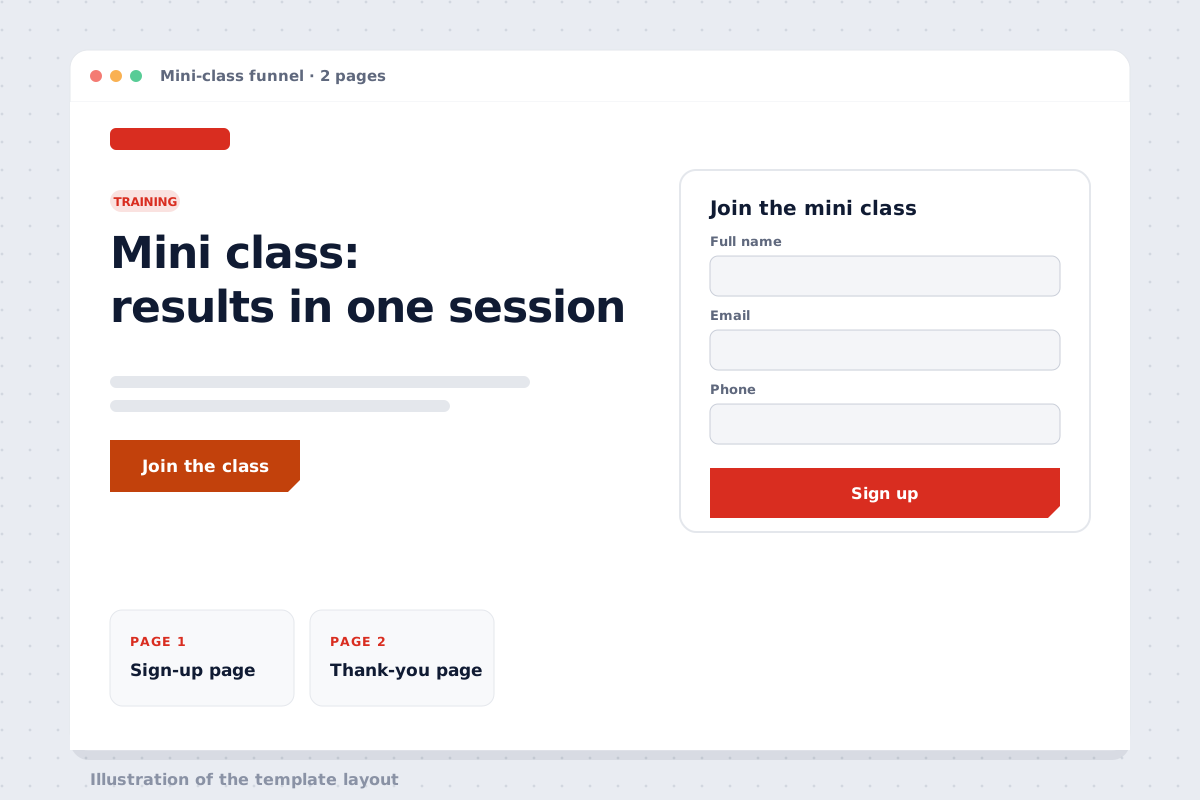 FunnelMini-class funnelPreview Install in your account
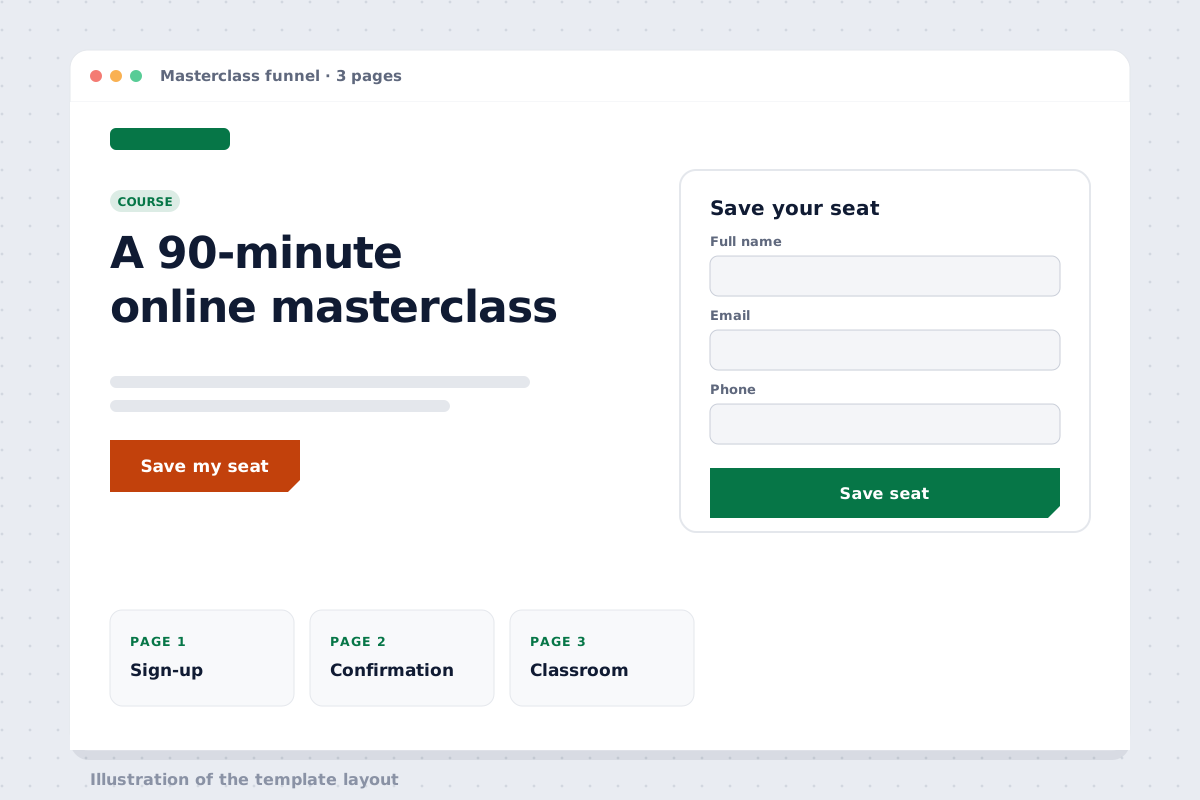 FunnelOnline masterclass funnelPreview Install in your account
Works with
Channels your center already uses.
- ZaloMessages and reminders via Zalo OA
- MessengerMessages to your admissions Facebook Page
- FacebookSign-ups from Facebook ads
- ZoomTrial classes and online classes
- Google CalendarSync teacher calendars
- YouTubeLesson videos in the student portal
FAQ for training centers
My center has only 2–3 advisors. Do I need NEXT OS?
Yes. Small centers often lose students because they reply slowly and forget to call back. The Starter plan covers a shared inbox, an enrollment pipeline and trial-class reminders.
Can I import my existing student list from Excel?
Yes. The NEXT team takes your Excel or Google Sheets file, imports it into student profiles and places each one on the right pipeline stage.
Can trial-class reminders go out on Zalo?
Yes, through Zalo OA and ZNS. ZNS message templates need Zalo’s approval first; the NEXT team shows you how to register them.
I teach online. Can I sell courses?
Yes. Build a course sales page, take payment by bank QR code, and students get into the student portal right after paying.
How do I manage several branches?
Each branch has its own pipeline and person in charge, and the center owner sees one combined report. The NEXT team advises on the exact setup for your size.
Enrollment season is coming,your process is ready.
14-day free trial; the NEXT team sets up the enrollment template with your center.