Weekend offer: book a consultation before Friday and get a free gift.
Awaiting review: visible on preview only.
Solutions by need
Turn views into leads who leave their number
Pages, funnels, posts and forms connected straight to the CRM: know where every lead came from and who’s looking after them.
Works for
Trial-class sign-up pages, class-picker forms, intake schedules posted to the Page and TikTok.
The NEXT team builds your first page with you.
Where it gets stuck
Things marketers often say.
Four ways ad budgets and posting time go to waste.
- 01
“Ads send people to a generic page, and they leave.”
How NEXT OS handles itEach campaign gets its own page with a form, built from a template or from one sentence. Test two versions to see which keeps visitors.
Funnels & Websites - 02
“Someone fills in the form, nobody notices, and by the time we check the spreadsheet they’ve gone cold.”
How NEXT OS handles itForms connect straight to the CRM. Every submission gets a record, tags and an owner, and the owner is notified right away.
CRM & Pipeline - 03
“Posting to five channels every day, with a separate login for each.”
How NEXT OS handles itWrite once, pick channels and schedule on one content calendar. AI suggests copy, and you approve before anything goes out.
Social media - 04
“We don’t know which ad brought in which customer, so we just raise the budget.”
How NEXT OS handles itLead source reports by channel and campaign. Connect Facebook and Google ad accounts to see spend next to the leads it brought in.
Reporting
Sample journey
Follow the Bánh Nhà Mây bakery from its first page to its first customer.
The four steps a small shop takes to attract new customers, and what NEXT OS does at each step.
TH
Follow Thu HằngOwner of the custom cake shop Bánh Nhà Mây (fictional), does her own marketing and has no website yet.
Illustrative scenarioThu Hằng types a few sentences about the shop and its cakes. AI builds an order page with a form; she edits the headline in words and connects the shop’s domain.
Uses: Vibe code · Funnels & Websites
Bánh Nhà MâySample dataOrder a custom birthday cakeDelivery in the city · quote based on your design
NameKhánh LinhPhone09xx xxx xxxPick-up dateSaturday · 2-tier cakeGet a quoteTHOrder page publishedBuilt with Vibe code · just nowNewShe writes one post with cake photos and AI suggests the copy. It’s scheduled for the Facebook Page, Instagram and TikTok, linking to the order page.
Uses: Social media
This week’s posting scheduleRunningWhen: the scheduled time arrives- Facebook · cake photosFriday 7:00 pmSent
- Instagram · cake photosFriday 7:00 pmSent
- TikTok · baking videoSaturday 11:00 amScheduled
Post · FacebookPosted
2-tier birthday cakes for kids, order 3 days ahead. See designs and get a quote at the link in this post!
Khánh Linh taps the link in the post and fills in the order form. A record is created with tags and the source "Friday Facebook post", and Thu Hằng is notified on her phone.
Uses: Funnels & Websites · CRM & Pipeline
Contact recordSample dataKhánh LinhSource: Friday Facebook post · order page
Needs2-tier cake · Saturday pick-upTagsbirthday · facebook-postOwnerThu HằngCall backTHKhánh Linh added to the Orders pipelineStage: Awaiting quote · phone notifiedNewKhánh Linh messages the Page about designs. The AI Employee sends designs from the shop’s documents and passes the price question to Thu Hằng. The new lead moves on to closing.
Uses: AI Employee · Omnichannel inbox
KLSample dataKhánh LinhMessenger · 8:15 pmDo you do dinosaur-themed cakes?NEXT AIWe do! Here are 3 dinosaur cakes we’ve made. I’ll ask Hằng to send you prices by size right away.Great, I’ll wait.Passed to Thu HằngPrice question · Messenger
Tools for the job
Tools for new customers every week.
Works for any industry. Demos run on sample data.
Describe the page you need in plain words, and AI builds a first version with a headline, copy and a form. Keep editing in words or with drag and drop.
See Vibe codeBuild a consultation sign-up page for my business
Building page…Ready to publish
Your businessServices · Contact
Free consultation
The right solution for your needs
Book a consultationFull namePhone numberWhat you needSubmit
Connect sign-up, thank-you and booking pages into one funnel. See views and conversions for each step.
See Funnels & WebsitesAdd step
PageCreate a new page
FormCollect details
BookingPick a time
Consultation sign-up funnel
Sign-up pageStep 1
Thank-you pageStep 2
+ Drop a page here
Pick a slotStep 3
PageCreate a new page
Facebook, Instagram, TikTok, YouTube, LinkedIn and Google on one calendar. AI suggests copy, and you approve before posting.
See Social mediaNew postDraft
FacebookInstagramTikTok
Fri 7:00 PMSchedule
Scheduled on 3 channelsFri 7:00 PM · posts automatically
Every form submission gets a record, tags and an owner. No more leads forgotten in a spreadsheet.
See CRM & PipelineSales opportunities
New
Lan ThanhBasic plan
Quoc BaoAdvanced plan
In discussion
Hoang YenBusiness plan
Booked
Khanh LinhThu 2:00 PM
Gia BaoAdvanced plan
Won
Thu TrangBasic plan
Gia BaoAdvanced planWon
Gia BaoAdvanced plan
Deal won · Gia BaoThank-you message sent automatically
Templates
Start from a ready-made template
Consultation funnel, lead qualification page, masterclass page. Install in your account, then adapt to your business.
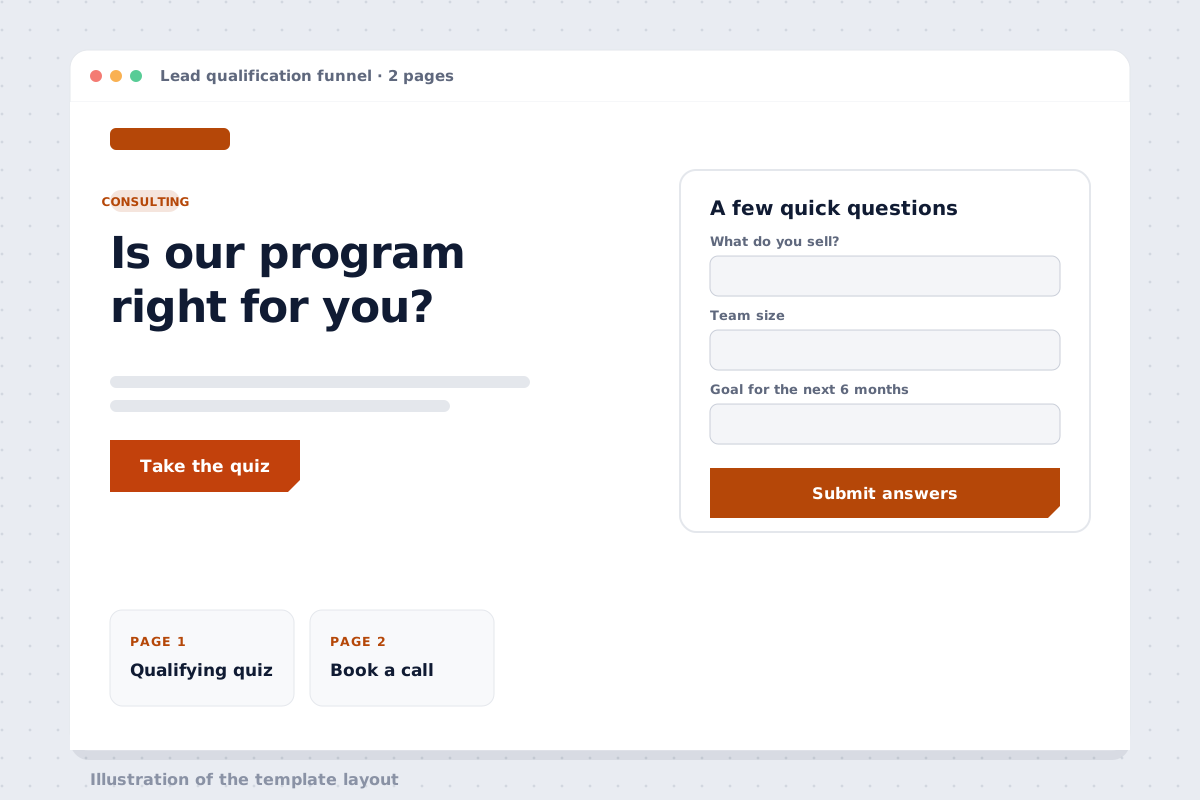 FunnelLead qualification funnelPreview Install in your account
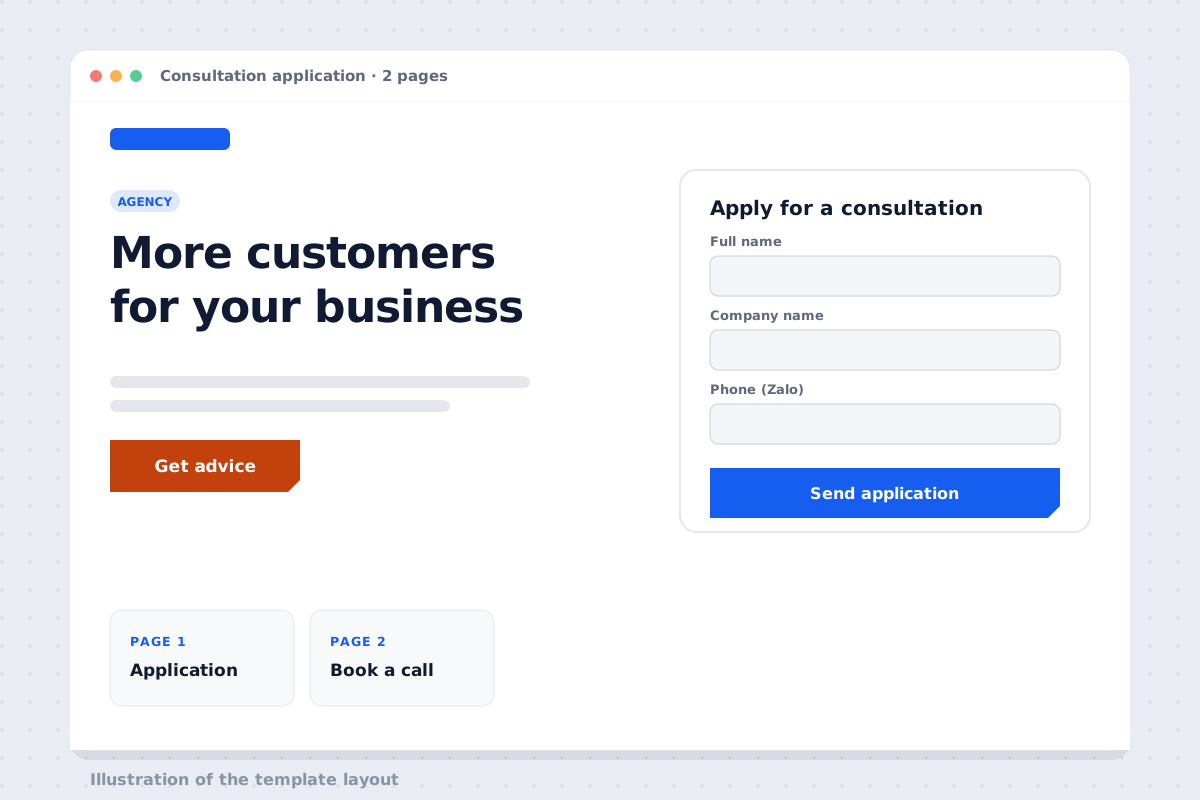 FunnelConsultation request funnel for agenciesPreview Install in your account
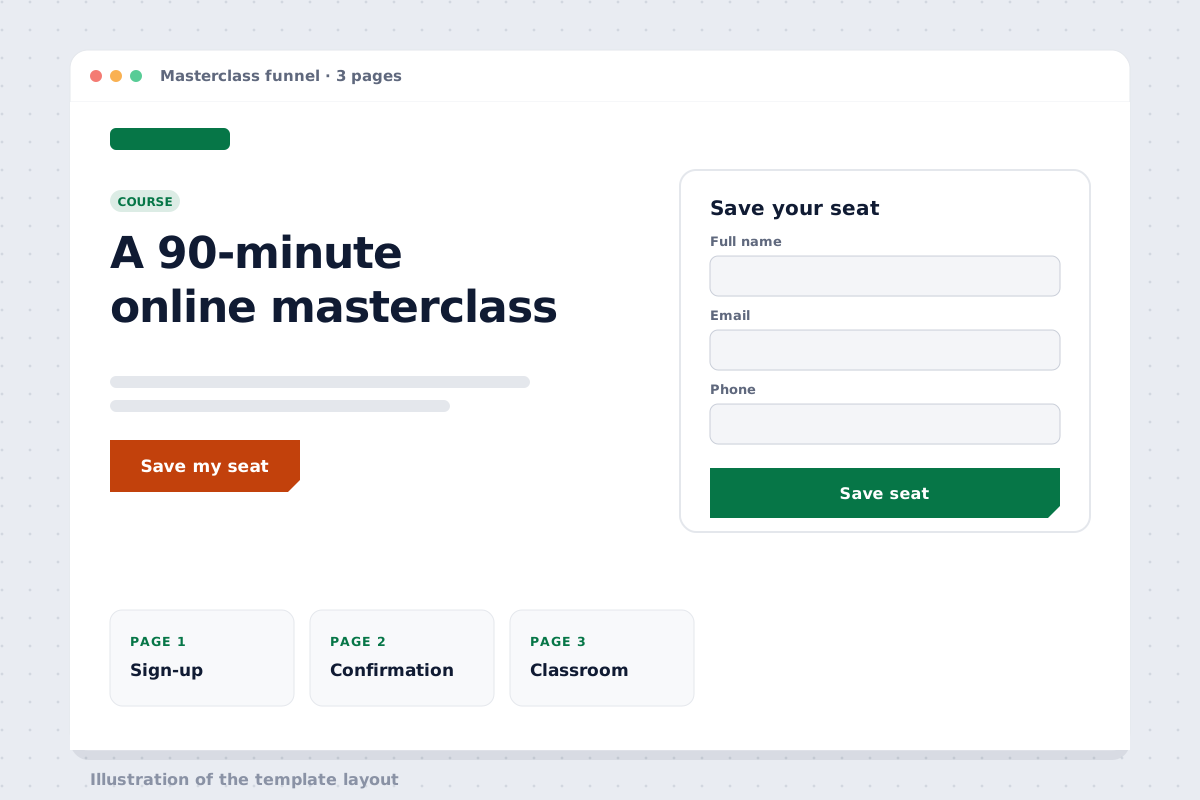 FunnelOnline masterclass funnelPreview Install in your account
Works with
Channels that bring in new customers.
- FacebookPosts and lead forms from ads
- InstagramScheduled posts and direct messages
- TikTokScheduled short videos
- YouTubeScheduled videos for your channel
- GoogleGoogle Business Profile posts
- WordPressEmbed forms on your existing website
FAQ on attracting new customers
I don’t have a website yet. Where do I start?
Start with one page that has a form. Build it from a template or describe it in words for AI to draft, then connect your business domain.
I already have a WordPress site. Do I need to rebuild it?
No. Create the form in NEXT OS and embed it on your existing site with a snippet of code; every submission goes into the CRM.
Which channels can I post to?
Facebook, Instagram, TikTok, YouTube, LinkedIn and Google Business Profile posts, all from one content calendar.
Can I edit an AI-built page by hand?
Yes. Keep messaging the AI to change the layout, colors or copy, or edit by hand when needed. Preview on desktop and mobile before publishing.
How do I know which ad a lead came from?
Every form and page records the lead source. Source reports show channels and campaigns; connect Facebook and Google ad accounts to see spend next to leads.
New leads arrive,records are ready.
14-day free trial; build your first page from a template or from one sentence.