Awaiting review: visible on preview only.
Solutions by need
Self-booking for customers, automatic reminders
A booking page based on real free slots, confirmations and reminders on Zalo ZNS, SMS and email, and self-service rescheduling by link.
Works for
Calendars by chair, dentist or therapist; check-up and next-session reminders go out automatically.
The NEXT team sets up the reminder template with you.
Where it gets stuck
Things receptionists and advisors often say.
Four tasks repeated every day around a single appointment.
- 01
“Every morning goes to calling customers to confirm.”
How NEXT OS handles itConfirmations and reminders go out on Zalo ZNS using Zalo-approved templates, or by SMS and email. Nobody has to call one by one.
Vietnam Connections - 02
“Customers don’t show up, and the chair sits empty for the afternoon.”
How NEXT OS handles itReminders 24 hours and 2 hours before, with a reschedule button in the message. No-shows automatically get a rebooking link.
Automation - 03
“Appointments in a notebook, and two people book the same slot.”
How NEXT OS handles itEach service has its own calendar with duration and buffer time, synced two ways with Google Calendar. Customers only see free slots.
Appointments & Events - 04
“At the end of the week, nobody knows how many came and how many missed.”
How NEXT OS handles itAppointment reports show booked, attended and missed by owner. See right away who needs a call back.
Reporting
Sample journey
Follow Gia Hân from booking to her next visit.
Four steps around one appointment, and what NEXT OS does for reception.
Gia Hân opens the booking page from the Facebook Page and picks a service, stylist and free time. The booking goes straight to her record and the stylist’s calendar.
Uses: Appointments & Events
Salon Mộc LanSample dataBook a hair appointmentChoose a service, stylist and free time
ServicePerm · 120 minutesStylistDiễmTime2:00 pm SaturdayBookGHGia Hân booked2:00 pm Saturday · with DiễmNewThe confirmation goes out on booking, with a Zalo ZNS reminder 24 hours before and an SMS 2 hours before. Reception doesn’t have to call.
Uses: Automation · Vietnam Connections
After a customer booksRunningWhen: a customer books a hair appointment- Confirm the bookingOn bookingSent
- Remind on Zalo ZNS24 hours beforeSent
- Remind by SMS2 hours beforeScheduled
Reminder · Zalo ZNSSent
Hi Gia Hân, your perm is at 2:00 pm Saturday with Diễm at Salon Mộc Lan. Tap to reschedule if needed.
Gia Hân asks to move her appointment. The AI Employee checks Diễm’s free slots, holds the new time and sends a new confirmation. Nobody rewrites the book.
Uses: AI Employee · Appointments & Events
GHSample dataGia HânZalo OA · 9:12 amSomething came up, can I move to Sunday?NEXT AIOf course. Diễm has 2 free slots on Sunday:10 am Sun3 pm Sun3 pm please.Appointment moved3:00 pm Sunday · new confirmation sentDiễm marks the customer as attended. A workflow sends a thank-you, asks for a review and sets a treatment reminder for 4 weeks later.
Uses: Automation · Reviews & Referrals
GHSample dataGia HânCustomer · attendedSalon Mộc LanThanks for coming in, Hân! Permed hair does well with a treatment after 4 weeks, we’ll remind you.Great, I love it!Salon Mộc LanCould you leave us a quick review at this link?Gia Hân’s recordAttendedTreatment in 4 weeksReview requested
Tools for the job
Tools for a full calendar without the calls.
Works for any business that takes appointments. Demos run on sample data.
One calendar per service, personal or round-robin across the team. Customers reschedule or cancel by link.
See Appointments & EventsDecember
Thursday, Dec 14
18:3019:3020:30ConfirmDrag-and-drop workflows: confirm on booking, remind before the visit, thank and rebook when it ends.
See AutomationWhen a customer asks for a slot, the AI checks the team’s calendar, offers free times and holds one. Reminders go out automatically.
See AI EmployeeZNS messages use Zalo-approved templates and are sent from workflows. SMS covers reminders, codes and short notices.
See Vietnam ConnectionsReminders on Zalo ZNS and SMS
Interface illustrationCreate the event once; the sign-up page, Zoom link and reminders 1 day and 1 hour before all run on their own.
See Appointments & Events- Attendees registerVia the event page · added to the list
- Zoom link sentConfirmation by email and message
- Reminder before start1 day and 1 hour before
Templates
Start from a ready-made template
Consultation booking page, confirmation and reminder sequence, post-visit follow-up. Install in your account, then adapt to your business.
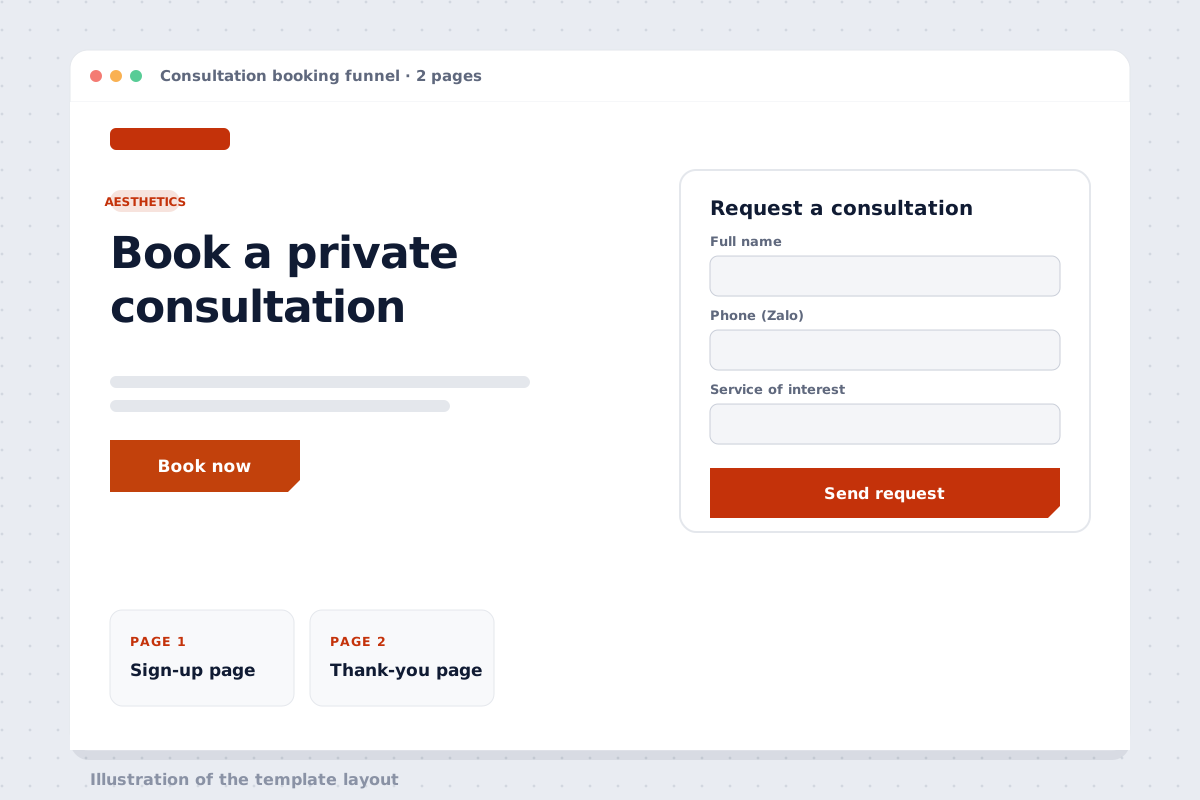 FunnelAesthetic consultation booking funnelPreview Install in your account
Works with
Channels for reminders and online meetings.
- ZaloConfirmations and reminders on Zalo OA / ZNS
- Google CalendarTwo-way sync with your team’s calendars
- ZoomMeeting links for appointments and events
- GmailConfirmation emails saved to the record
- WhatsAppReminders for international customers
- WordPressAdd booking to your existing website
FAQ on booking and reminders
Can customers reschedule or cancel on their own?
Yes. The confirmation includes a link to reschedule or cancel; your team’s calendar updates automatically.
How is Zalo ZNS charged?
Zalo charges per ZNS message. The NEXT team helps you register templates and estimates the cost before you turn it on.
Does the calendar sync with Google Calendar?
Yes, two ways. Busy times in Google Calendar aren’t offered to customers.
Can each staff member have their own calendar?
Yes. Each person has a calendar, or bookings rotate across the team. Customers pick a service, a person, then a free time.
Do online seminars send Zoom links automatically?
Yes. Registrants get the Zoom link with their confirmation, plus reminders 1 day and 1 hour before.
A fuller calendar,no calling one by one.
14-day free trial; the NEXT team sets up the reminder template with you.